Firehouse Subs Rewards: Easy Steps to Recover Your Points
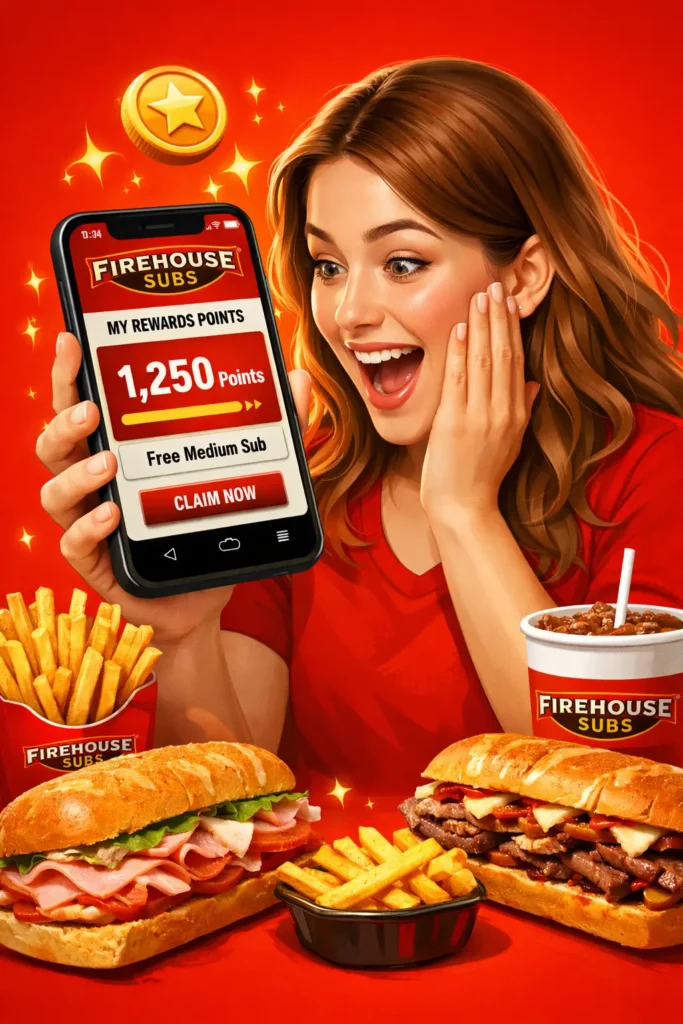
Did you not receive your reward points after purchasing food from Firehouse Subs? Here is a complete guide on how to get your Firehouse subs rewards points in case you lost them or did not get them after purchasing. Here is a step-by-step guide to claim your reward points.
To claim your points without any issue, just follow these steps.
Step 1: Open the Firehouse Subs Help Center
To connect with our help center, visit www.firehousesubs.com/support.
Step 2: Tap the “Need Help” Button
When you click this button, you will be shifted to the Firehouse Subs customer support chatbot.
Step 3: Begin a New Conversation
Click on start new chat to start a new conversation.
Check also: Delivery Firehouse Subs
Step 4: Select the In-Restaurant Order Help Option
This option will send your request to the right support team.
Step 5: Pick the Loyalty and Offers Option
This category is only for the issues of not receiving points or anything like that.
Step 6: Select the Missing Points Option
You have to scroll down, and you will get this option. Click on this to process your claim.
Read also: Carolina Gold BBQ Triple Stack
Step 7: Add Your Receipt for Verification
Confirm it if your receipt has a qr code on it by clicking on YES.
Upload a clear image of your receipt.
Try also: Chocolate Chip Cookie
Step 8: Wait for Points to Be Assigned
The Firehouse Subs team will check your request in 48 to 72 working hours.
Quick Tip
- Check your receipt first by checking its date, time, and transaction details. If these are not valid, then your receipt is not valid.
- Keep your receipt safe until your points are successfully added.
Read also: Firehouse Subs Special
Here are some of the common reasons for not receiving your points.
|
Issue |
Solution |
|
You did not scan your Rewards Badge at checkout |
Always scan your Rewards Badge before paying |
|
Using a third-party delivery service likeUber Eats |
You can receive the reward points only by ordering directly from Firehouse Subs |
|
Purchasing with a printed coupon |
Printed coupons do not earn points |
|
Receipt details are not clear |
Upload a clear and readable receipt |
|
Exceeding the daily transaction limit is also a prevalent cause |
Points are awarded only on up to three purchases per day |
If you want to stay relaxed about your reward points, then the best way to check your points is to use the official app of Firehouse Subs, because You can easily track your current reward points, and if you did not receive them, then you will easily claim them from the app, but if you did not use the app, then if you did not get your points, then you have to contact us and follow a lengthy procedure.
Read also: Thanksgiving Turkey Bowl
In this article, we have discussed how to claim your Firehouse Subs Rewards points. In case you did not receive your reward points, then you have to follow the steps given in this article. The restaurant really does care about their customers, so they provide all the information on this for their customers, so relax if you did not receive your points and follow these steps.